Back to press kit
Broadcast simulation
A live studio made for Univation.
Choose from twelve art-directed single- and double-speaker scenes, then tune the names, story, color, motion, and broadcast output.
Every composition stays sharp at any resolution, lightweight, editable, and ready for a browser source.
Original downloaded pictures · rebuilt in HTML
Every remaining allpics board, live on this page.
These six previews are rendered from responsive HTML—not PNGs. Select one to edit its title, prompt, scene, and duration while you present.
univationAI MentoringGet personalized guidance from industry experts Startup ProgramsBuild, launch & scale your ideas Live SessionsLearn from interactive live sessions UniversitiesTrusted by world's leading universities
Everything You Need in One Platform
Empowering your educational journey with AI
1 / 5
12 designed scenes
Start with a broadcast-ready preset.
Six single-speaker and six double-speaker compositions, built in the same crisp blue visual language as Univation. The first card in each row is the flagship scene.
Single speaker
Double speaker

ON AIR
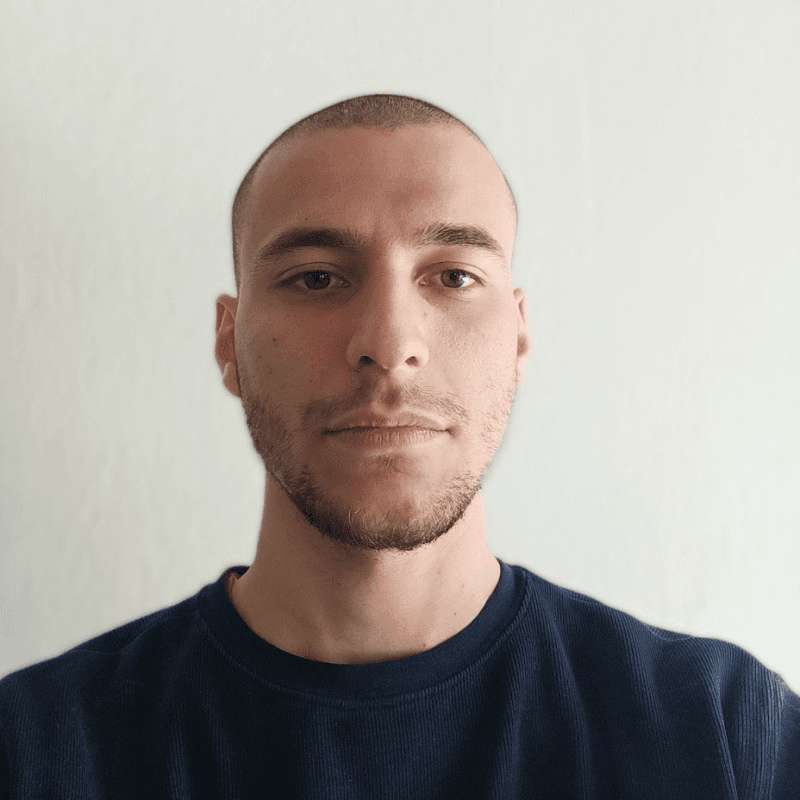
Minas Marios Kontis
Host · Univation
Guest speaker
Featured speaker
Univation · Live series
Learning without limits
Learn from anyone, anywhere

Learn from anyone, anywhere · Ideas that move education forward · Univation Live · Learn from anyone, anywhere · Ideas that move education forward · Univation Live
Use “Open clean output” for a second-screen or browser-source view. The output loops continuously and has no controls or page chrome.
Interactive live deck
Build the lesson while it is live.
UNIVATION LIVE
Say it with me!
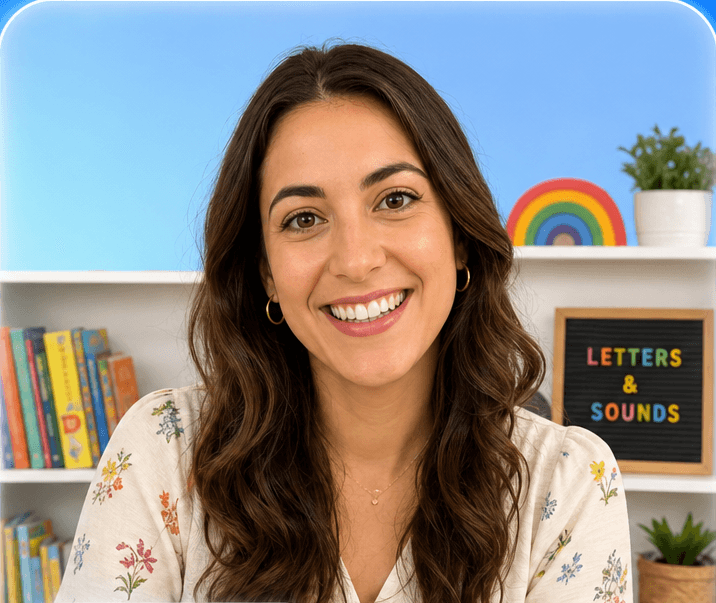
Ms. ElenaReading buddy
Letters & soundsReading buddy
Slide 1 / 12
12 live HTML sets · ages 1–17
Live tutoring school sets.
All twelve supplied references rebuilt as resolution-independent HTML and CSS, with editable lesson copy and clean live outputs. Rendered at 1536×1024 for thumbnails, title cards, and episode artwork.
Ages 1–6 · early years
UNIVATION LIVE
Say it
with me!
Ms. ElenaReading buddy
Letters & soundsReading buddy
Story time
One tutor, oversized headline, three soft shape spacers.
UNIVATION LIVE
Say it with me!

Ms. ElenaReading buddyLetters & sounds
Sing-along
Centred frame with sound rings and a wide caption bar.
UNIVATION LIVE
Say it with me!
Ms. ElenaReading buddyLetters & sounds


Ms. Elena
Reading buddy
Buddy pair
Tutor and young learner, equal frames, one connector.
UNIVATION LIVE
Ms. ElenaReading buddyLetters & sounds
Say it with me!

Show and tell
Small tutor corner frame beside a large teaching panel.
Ages 7–11 · primary
UNIVATION LIVE

Mr. AdamMATHS TUTOR
Fractions · Year 4
Your turn
Worked example
Tutor left third, clean workspace panel across the rest.
UNIVATION LIVE
Your turn

Mr. AdamMaths tutorFractions · Year 4
Quiz moment
Three stacked answer cards beside the tutor.
UNIVATION LIVE

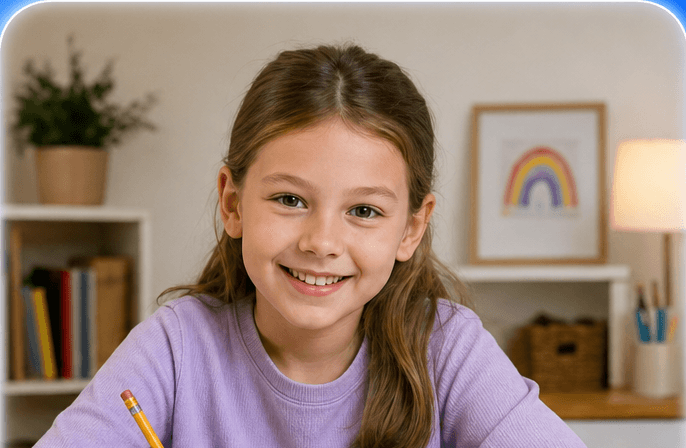
Mr. Adam
Maths tutor
Fractions · Year 4Your turn
Tutor and student
Equal frames over a full-width lesson bar.
UNIVATION LIVE


Mr. Adam
Team mate
Fractions · Year 4
Your turn
Team challenge
Stepped frames with the headline in the free corner.
Ages 12–17 · secondary
UNIVATION
LIVE
Forces &
motion ·
Year 11
Dr. SofiaPhysics tutor

Ask anything
Focused lecture
Tight headline column against a tall tutor frame.
UNIVATION LIVE

Dr. SofiaPhysics tutor
Ask anythingForces & motion · Year 11Problem setAsk anything
Problem set
Compact corner tutor, large working panel dominant.
LIVEUNIVATION

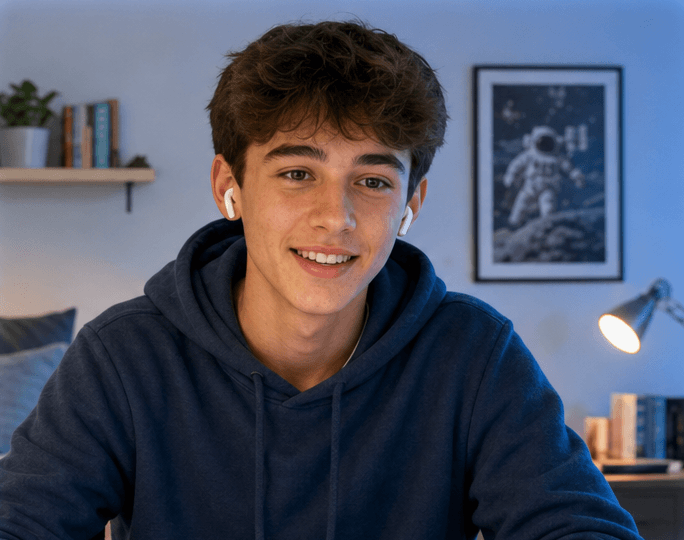
Dr. Sofia
Forces & motion · Year 11Ask anything
Seminar
Two frames as one band beneath a centred wordmark.
UNIVATION LIVE
Physics · Year 11
Forces & motion
Ask anything
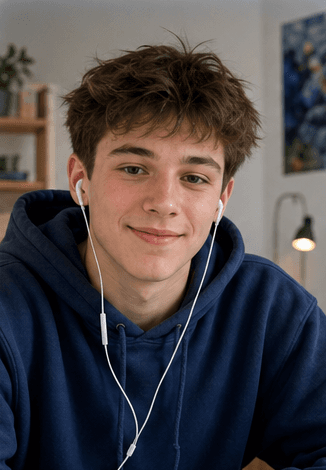
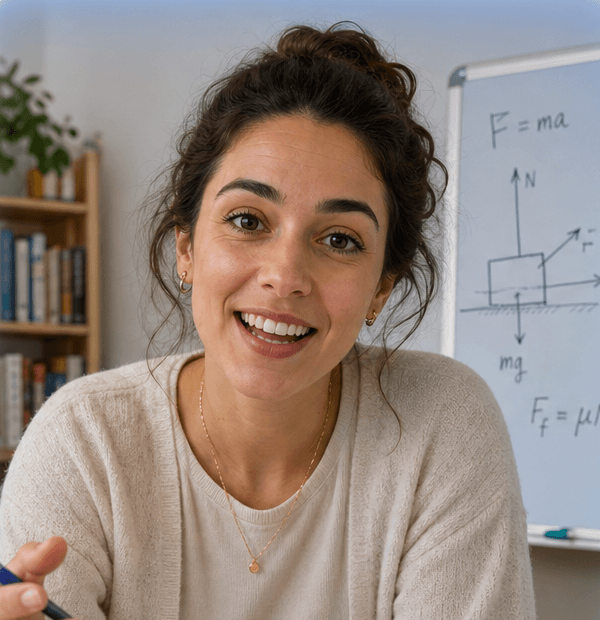
Student
Dr. Sofia · Physics tutor
Mentor session
Asymmetric 60/40 one-to-one with a diagonal hairline.
12 broadcast boards
Press studio graphics.
The dark broadcast language, for interviews, talks, and press. The two marked “shipped” are the live scenes above. Rendered at 1536×1024 for thumbnails, title cards, and episode artwork.
Single speaker
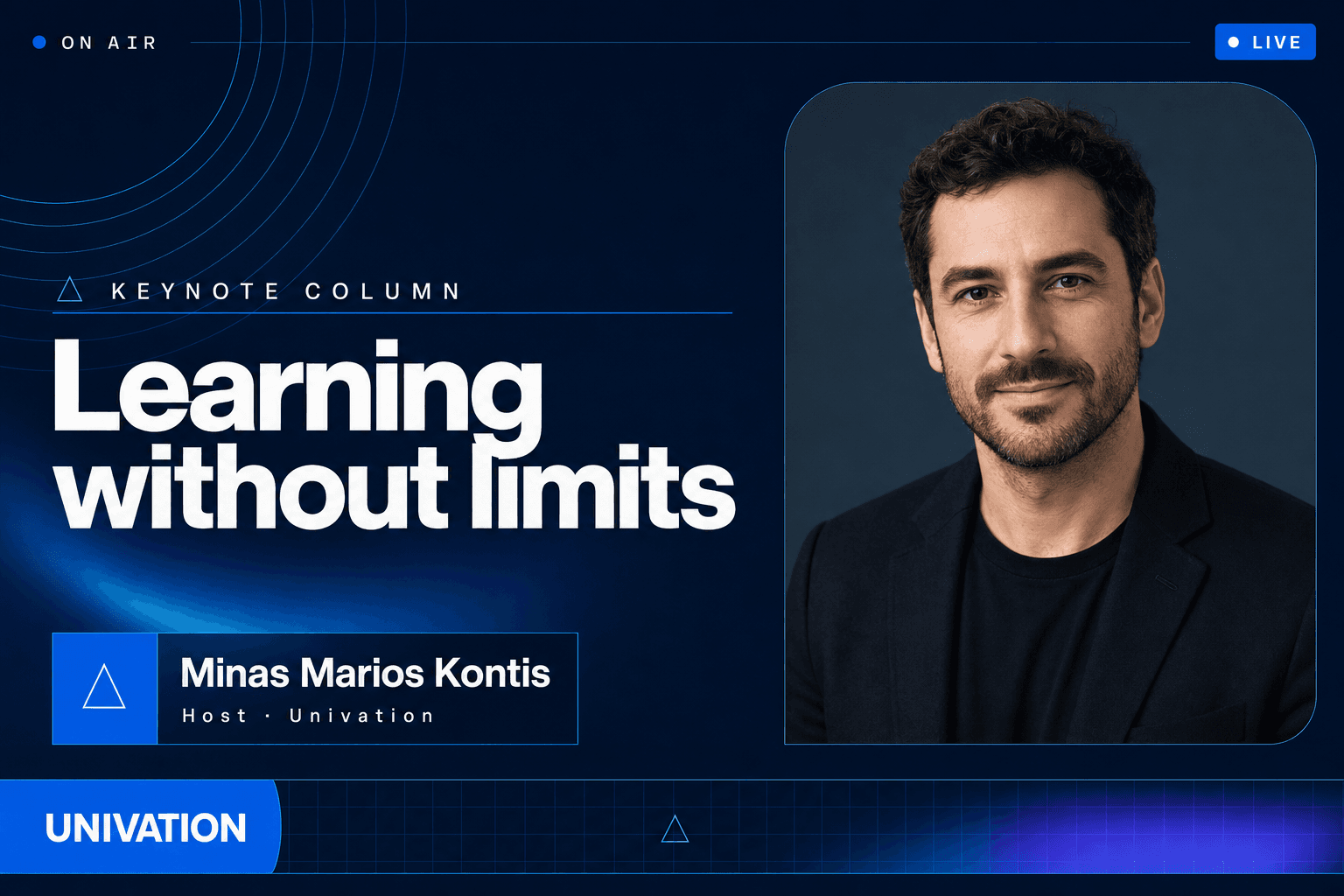
Keynote column
Shipped as the flagship single-speaker scene.

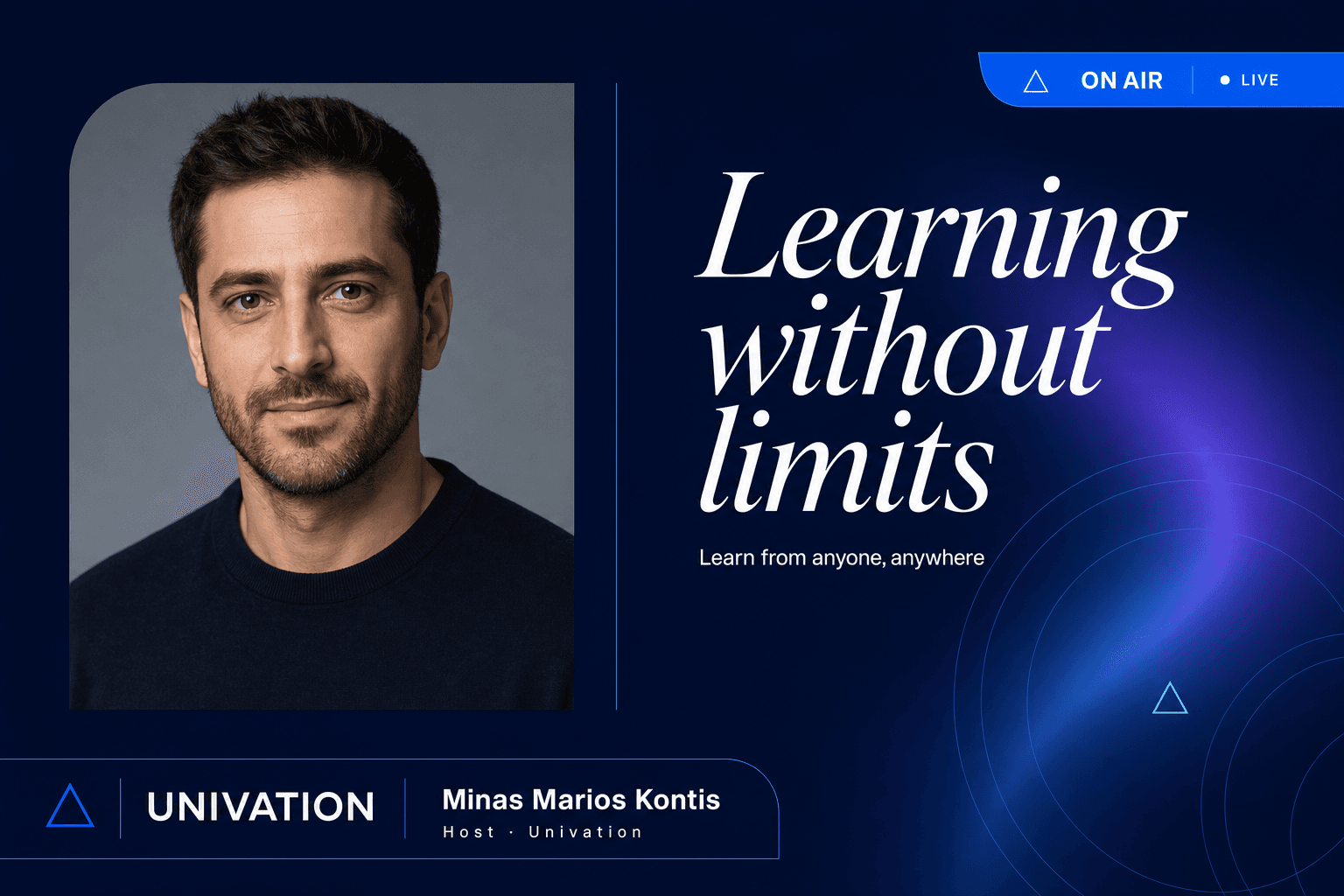
Editorial serif
Italic serif headline against small-caps metadata.

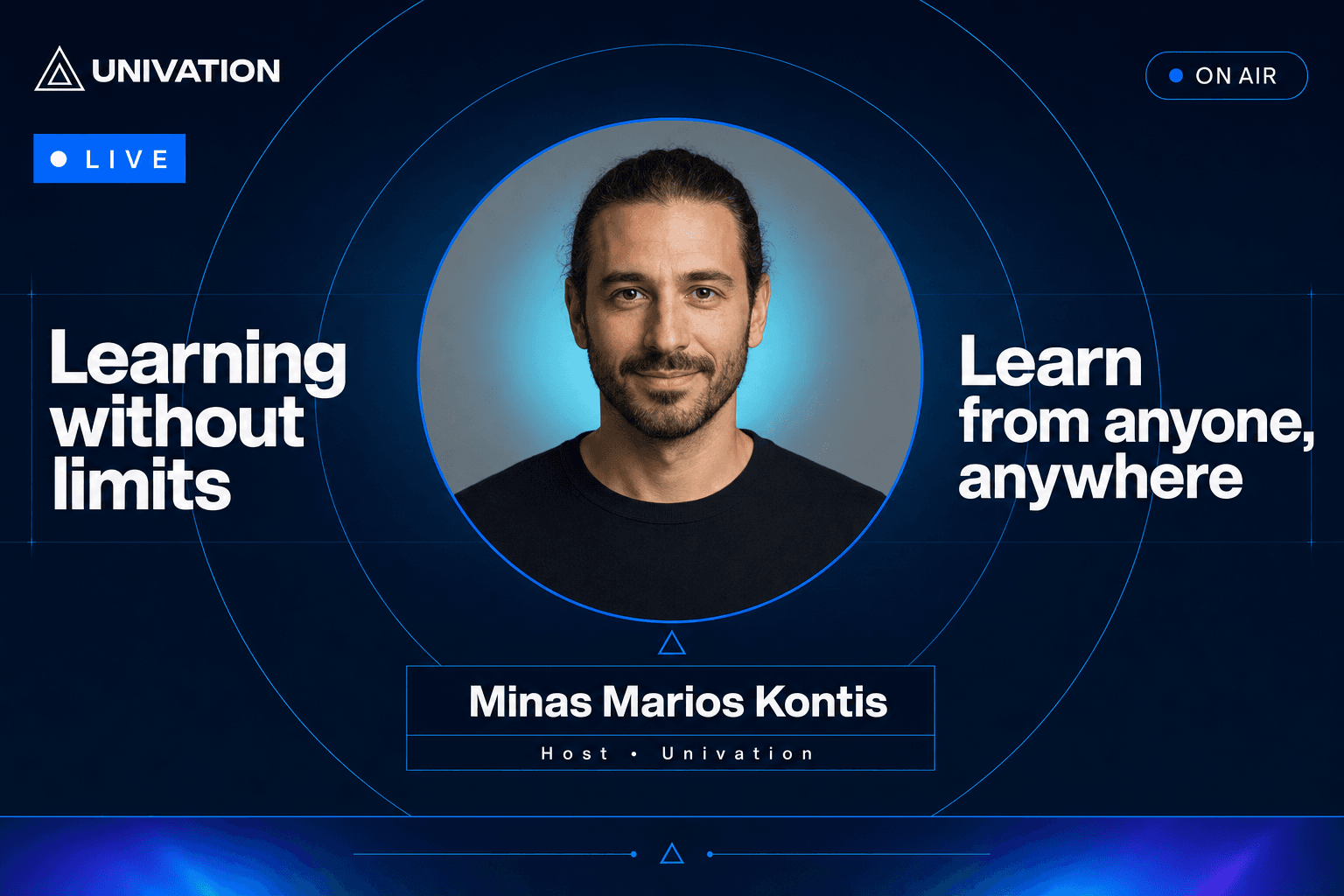
Halo portrait
Circular medallion with the headline split either side.

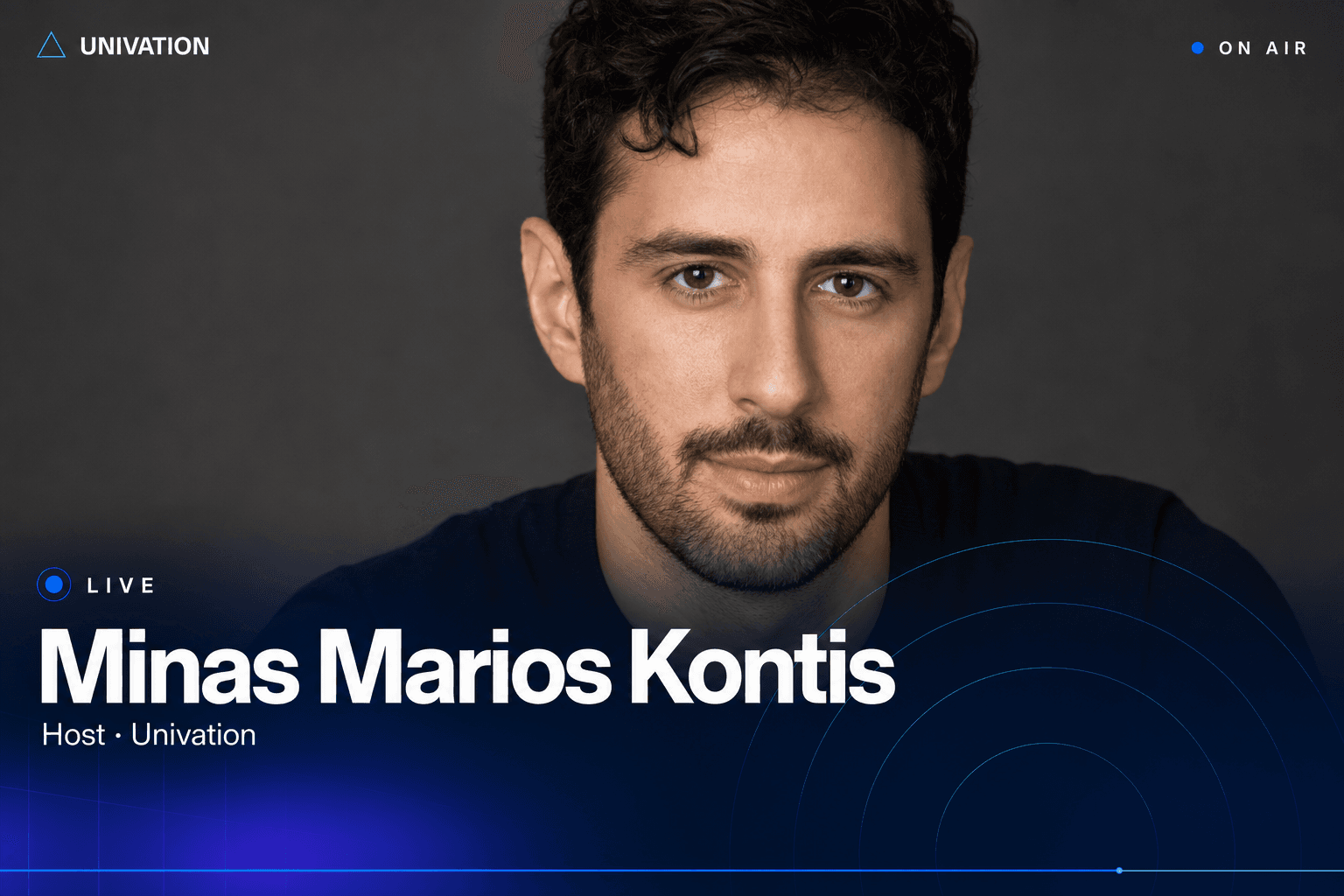
Full-bleed focus
Edge-to-edge portrait, bottom-weighted chrome only.

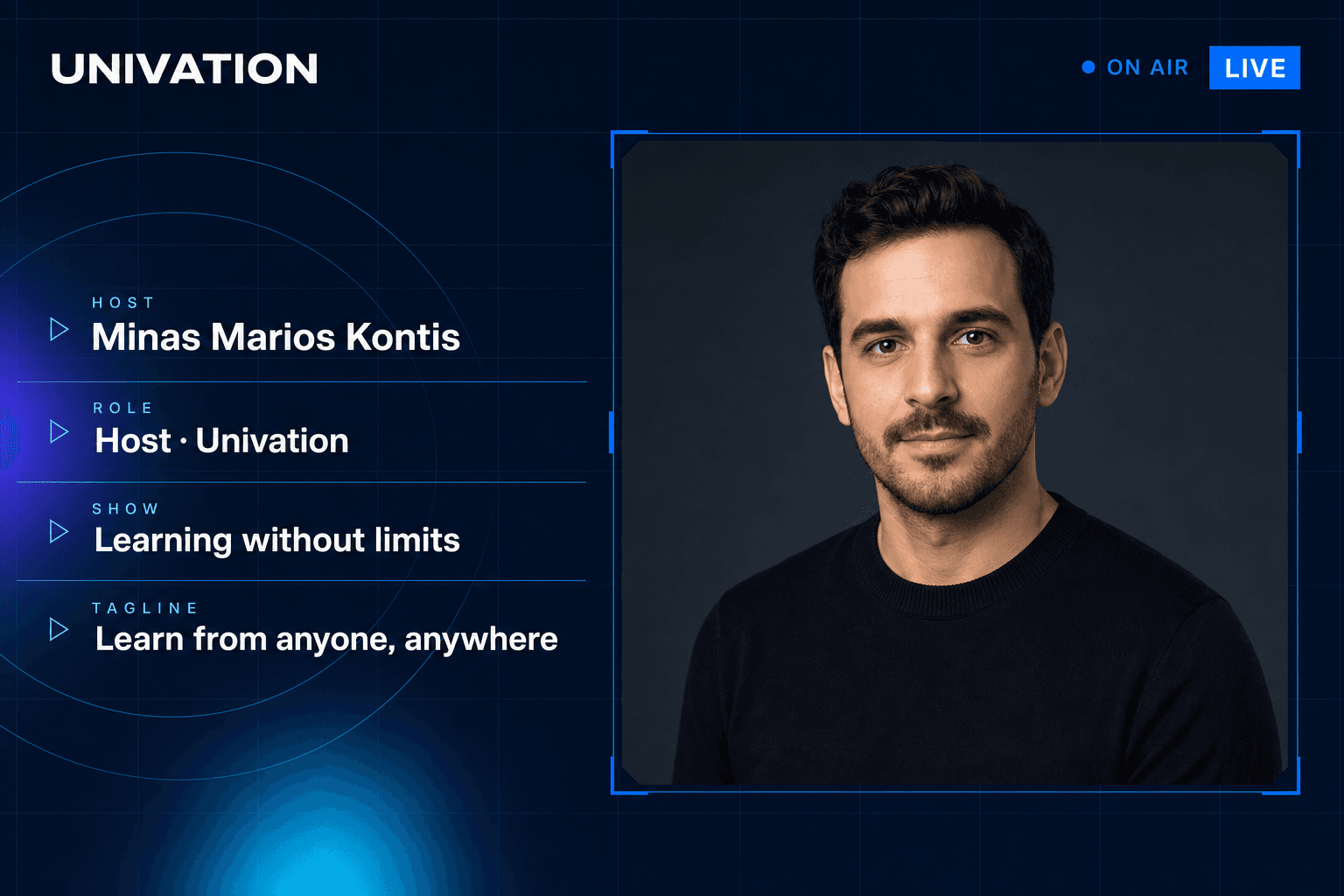
Data dossier
Control-room brackets and a stacked metadata column.

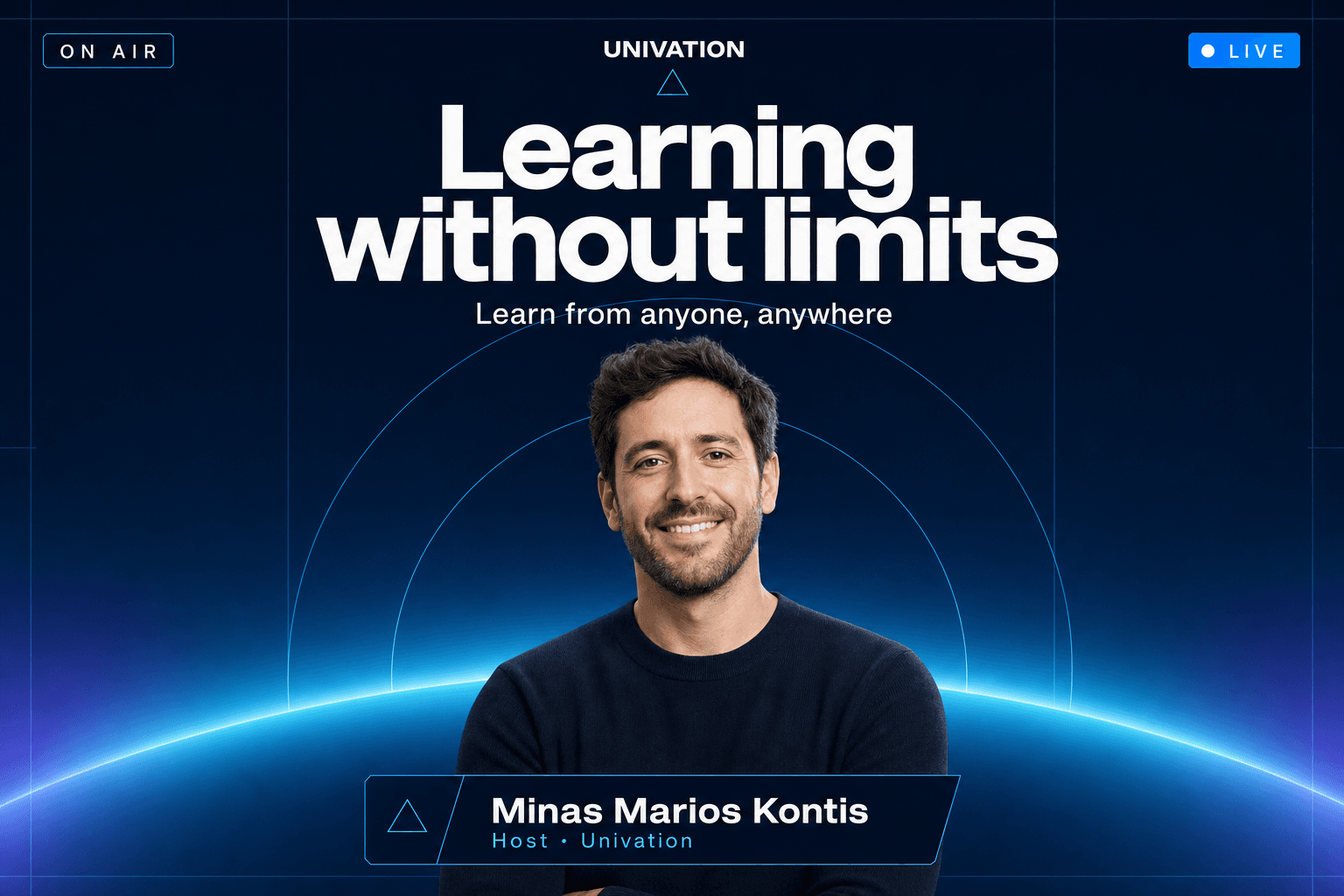
Stage horizon
A cyan horizon arc under a centred headline.

Double speaker
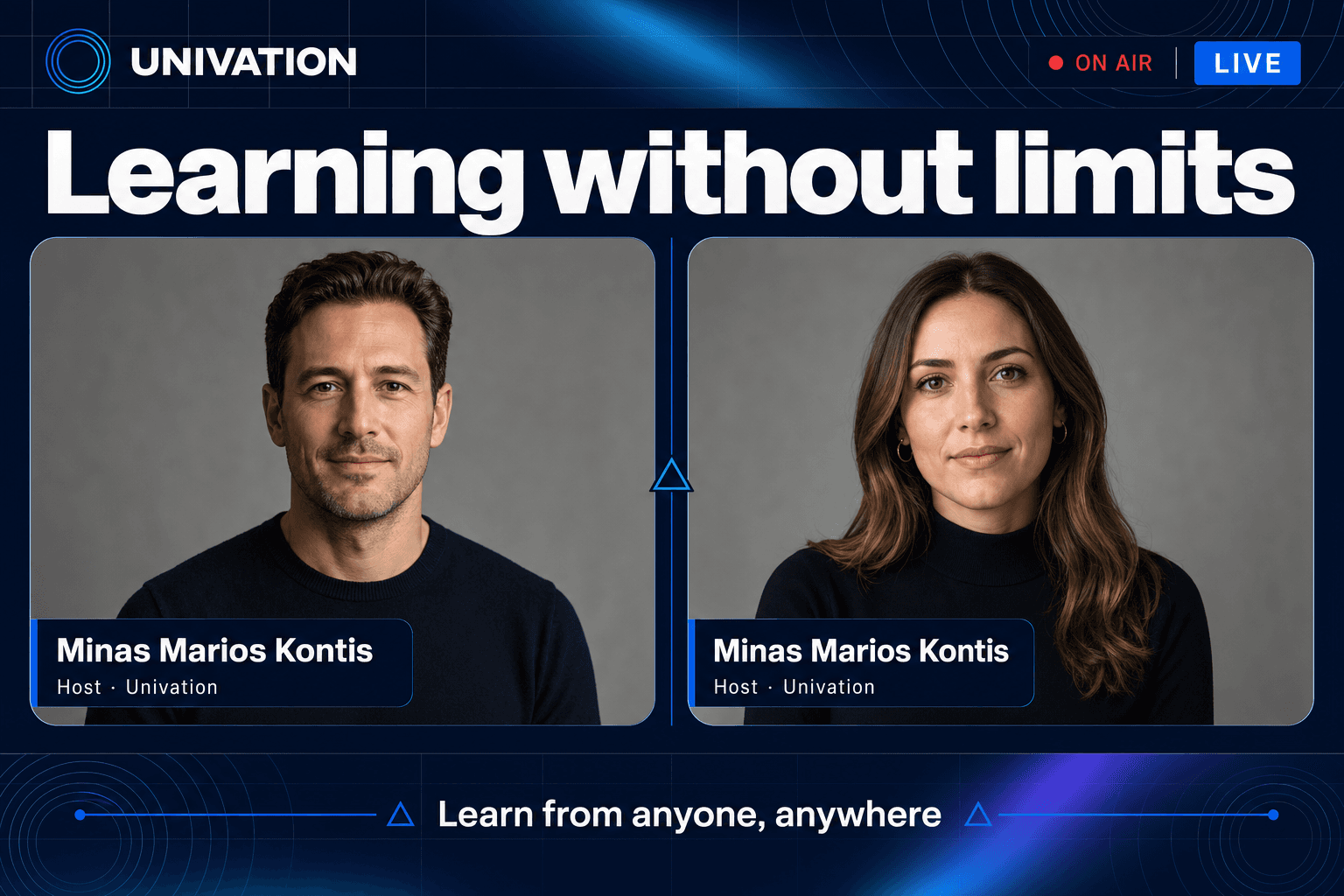
Signal split
Equal frames under one shared headline band.

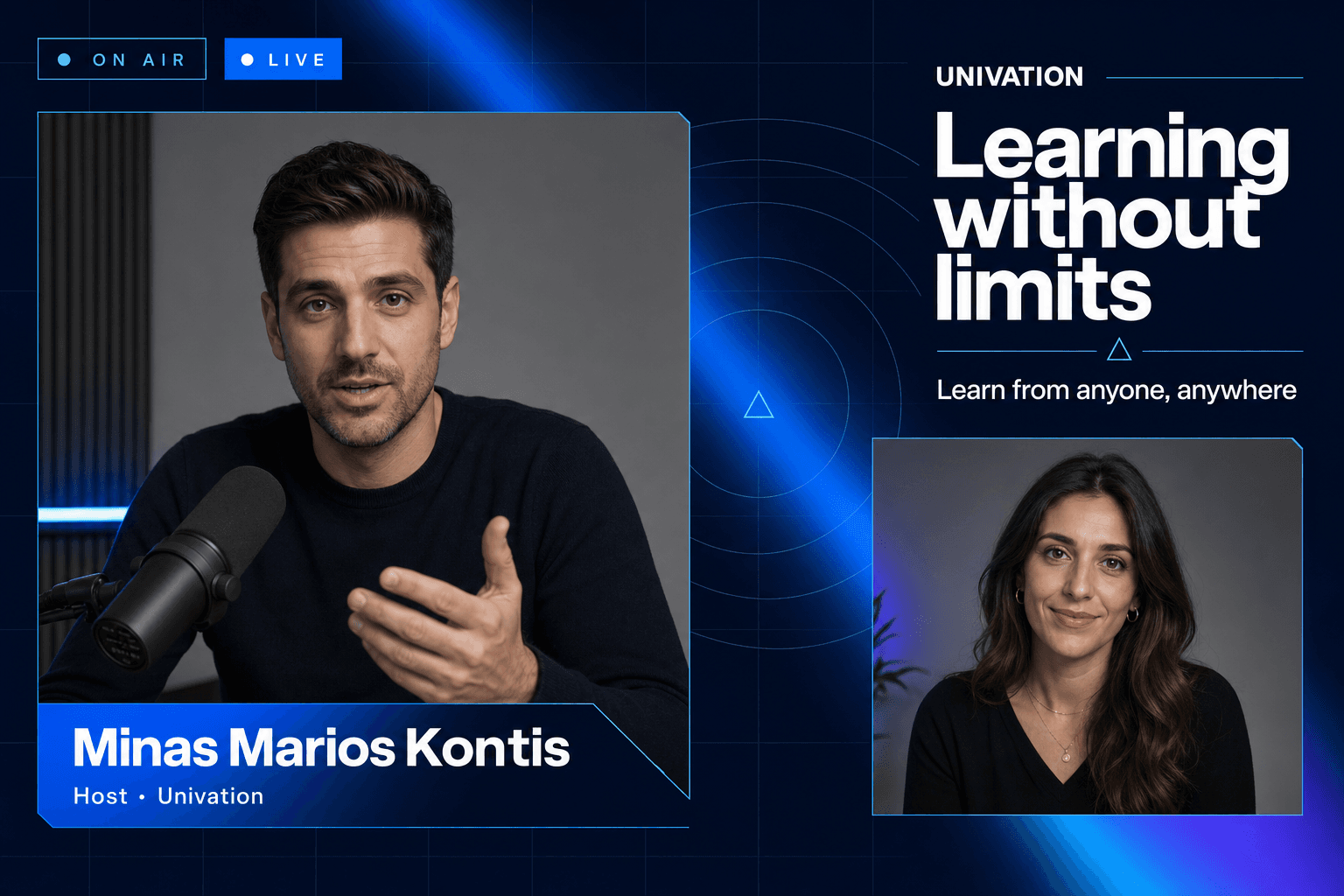
Point / counterpoint
Asymmetric 60/40 with a lead speaker.

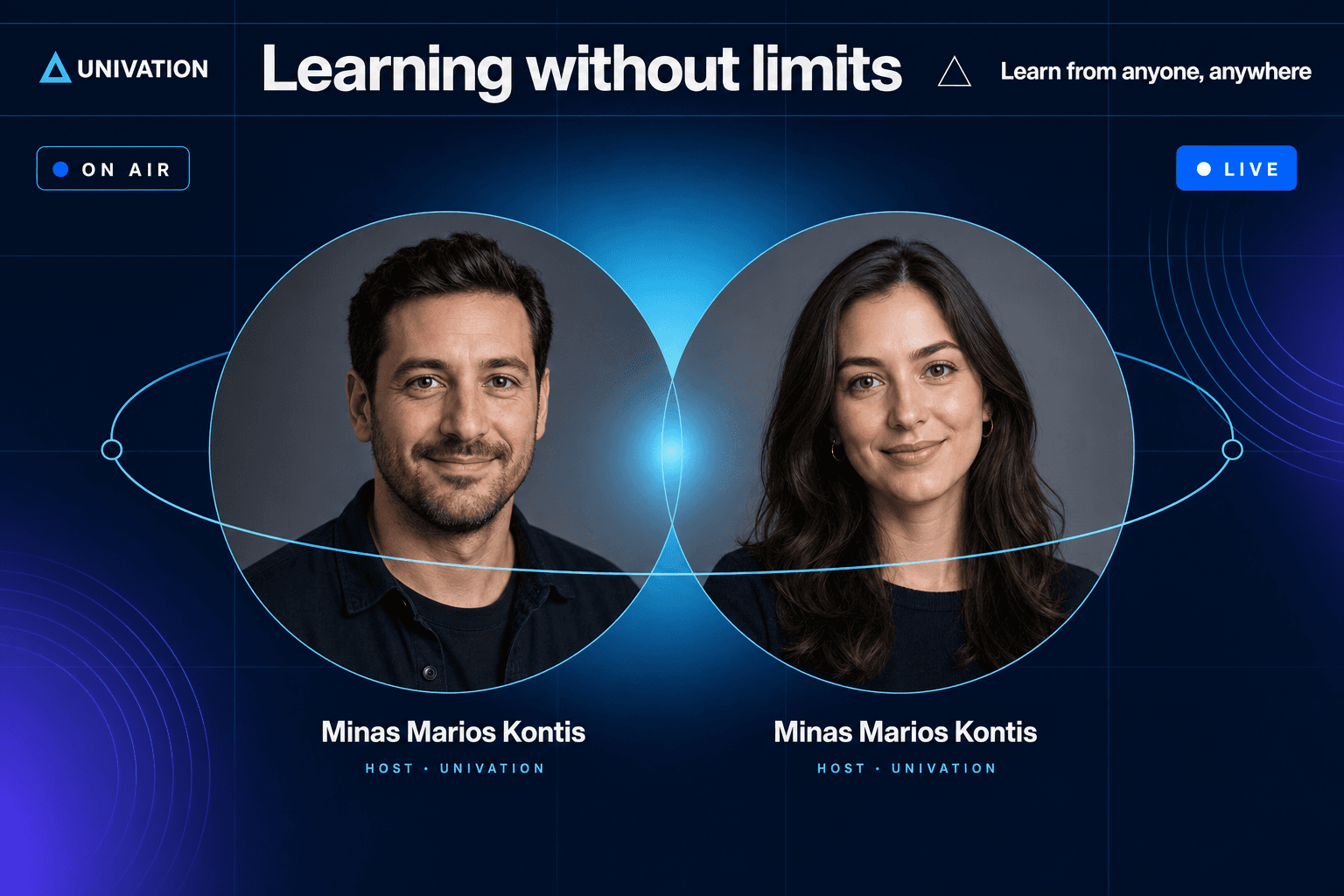
Shared orbit
Overlapping medallions joined by one orbit ring.

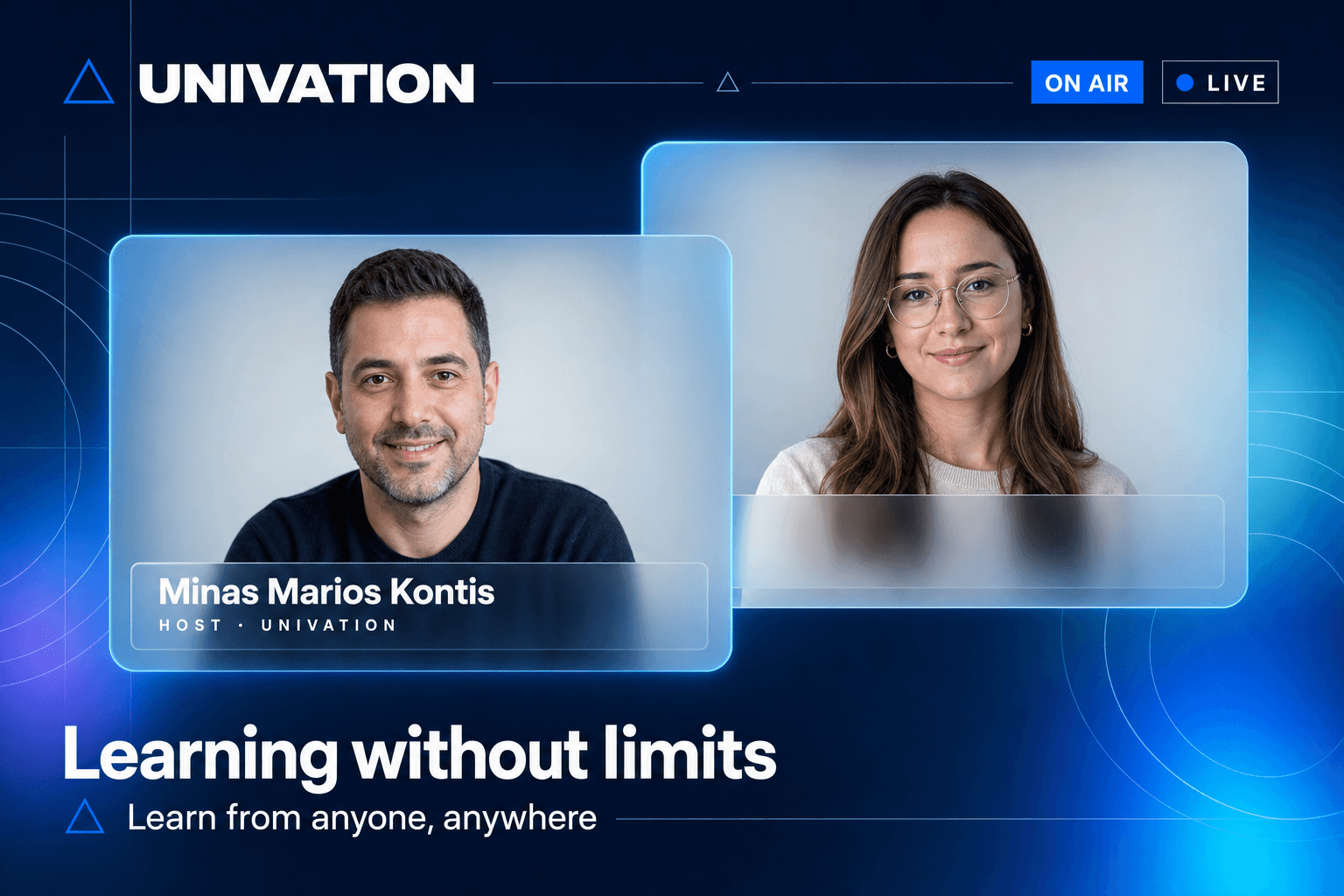
Glass windows
Layered frosted panels at two depths.

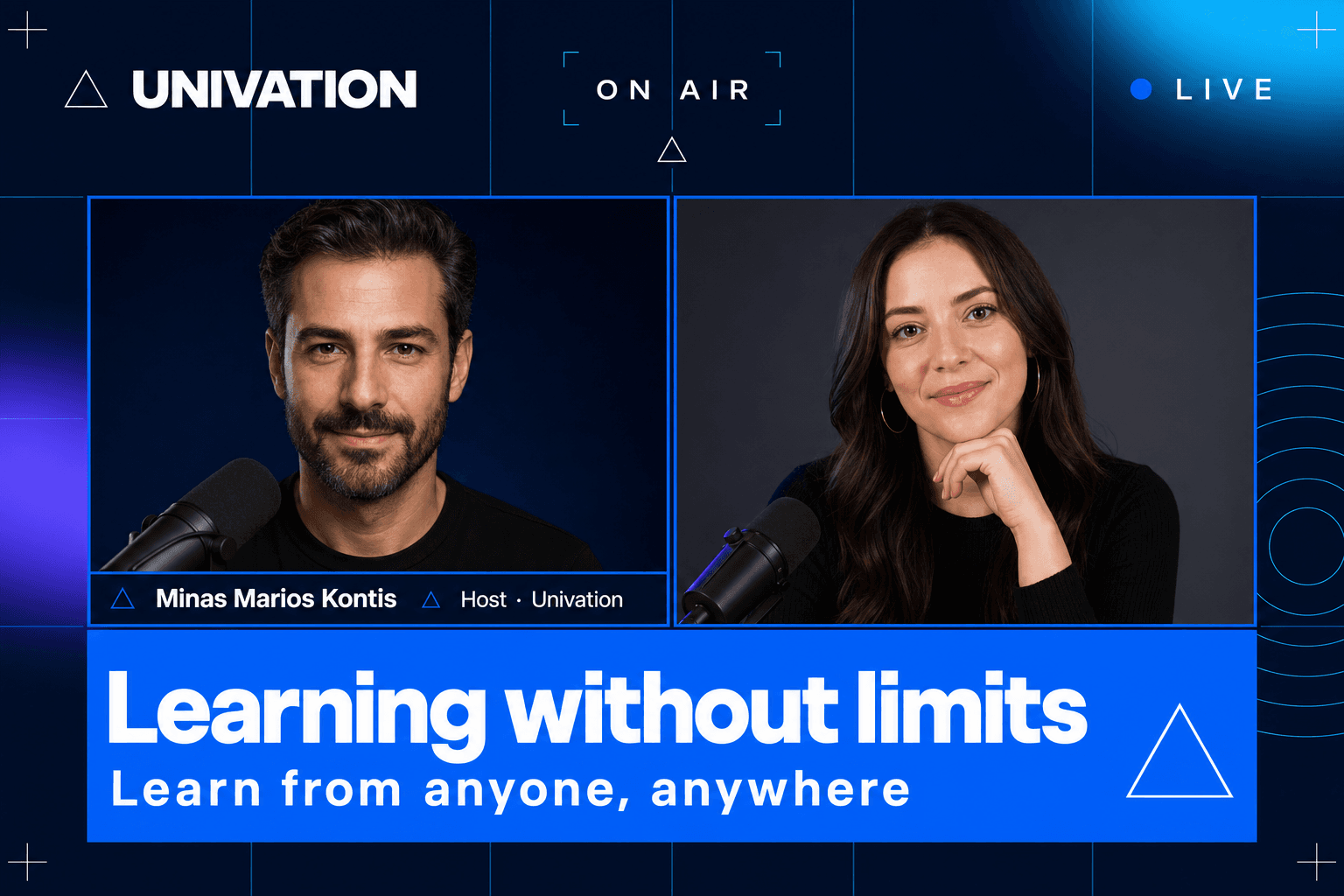
Midnight grid
Hard keylines and a full-width blue lower third.

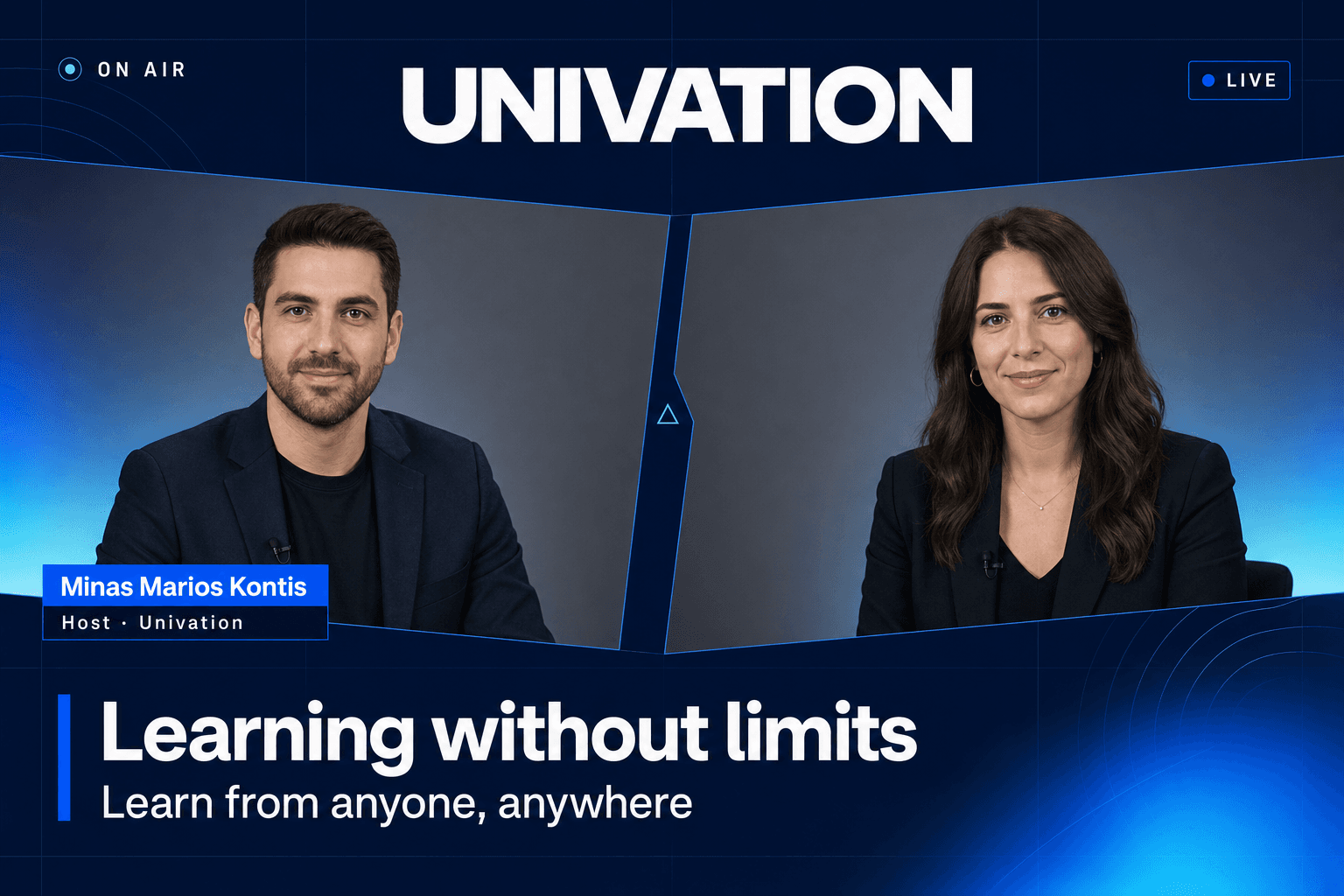
Broadcast desk
Shipped as the flagship double-speaker scene.
